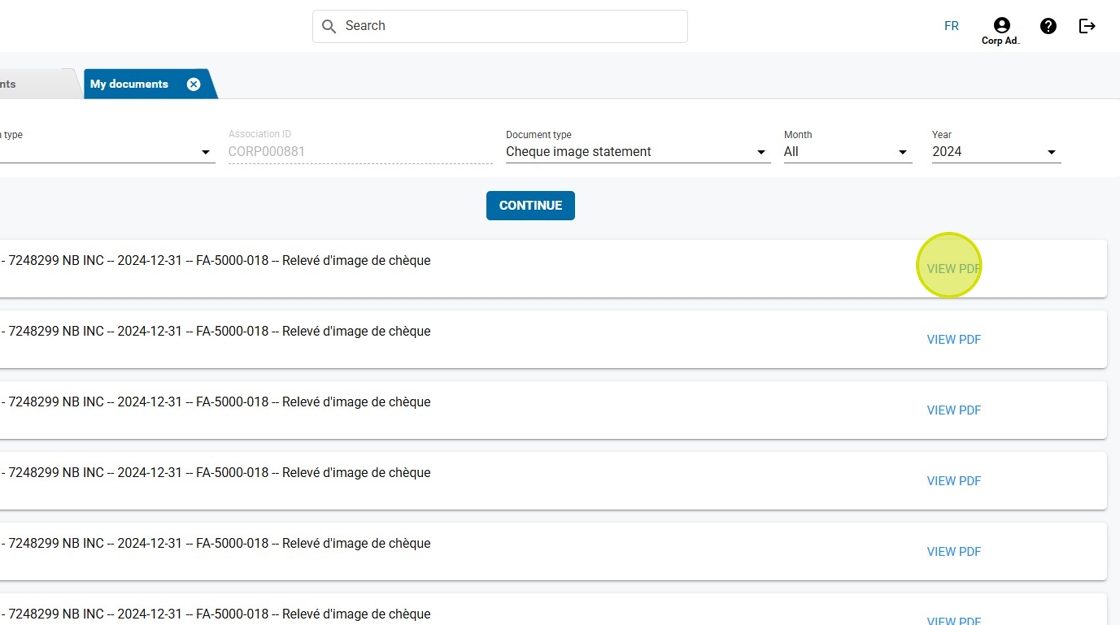
1. Log on to My Profile.

2. Click on Documents.
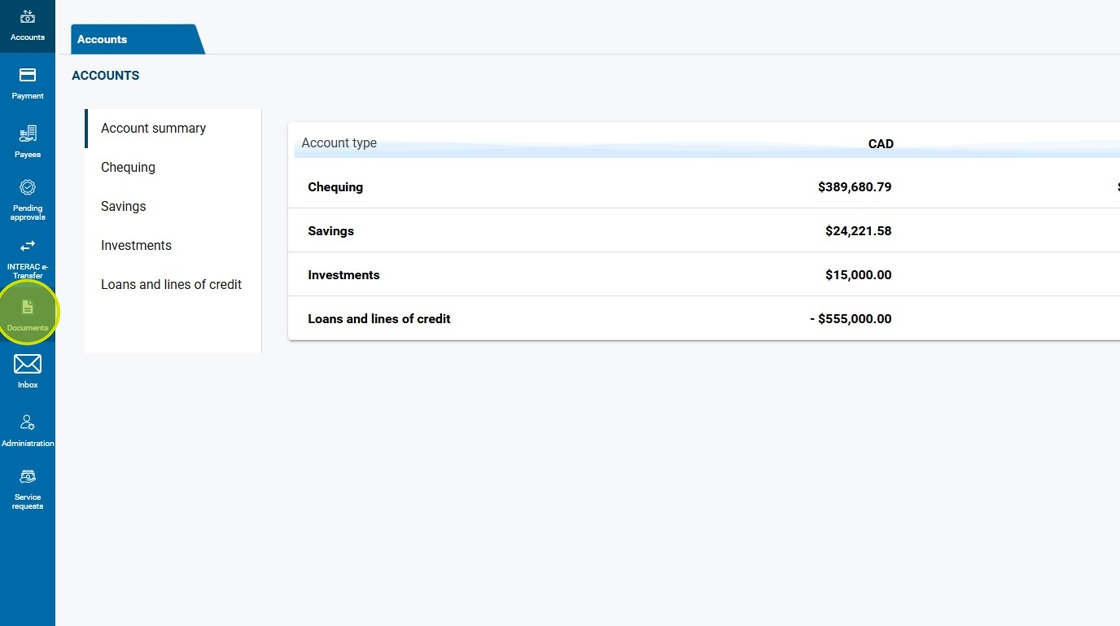
3. Click on My documents.
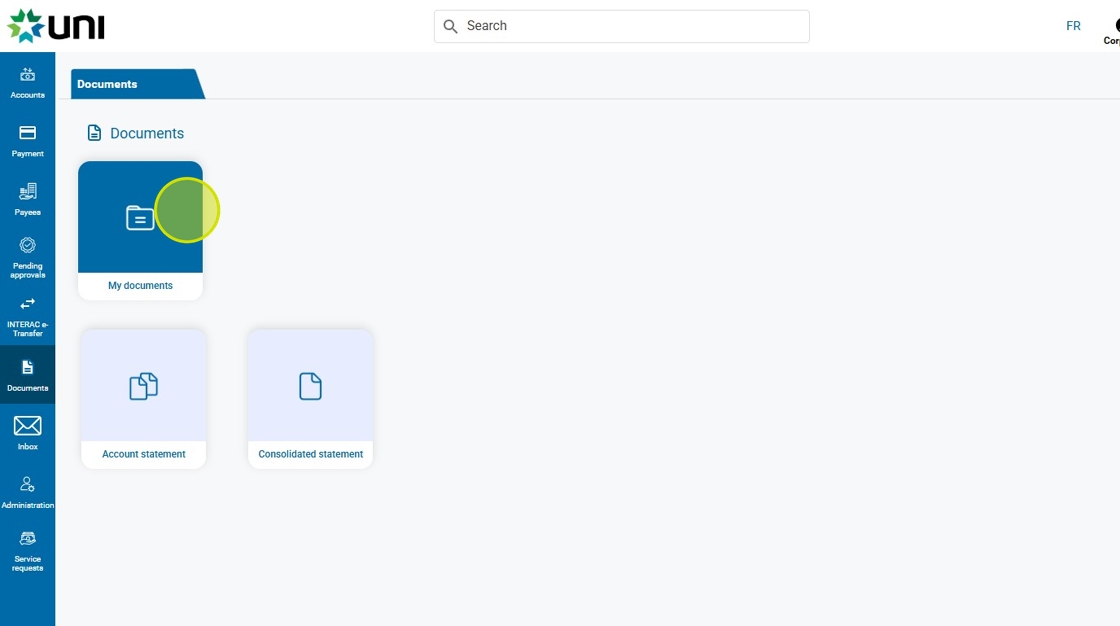
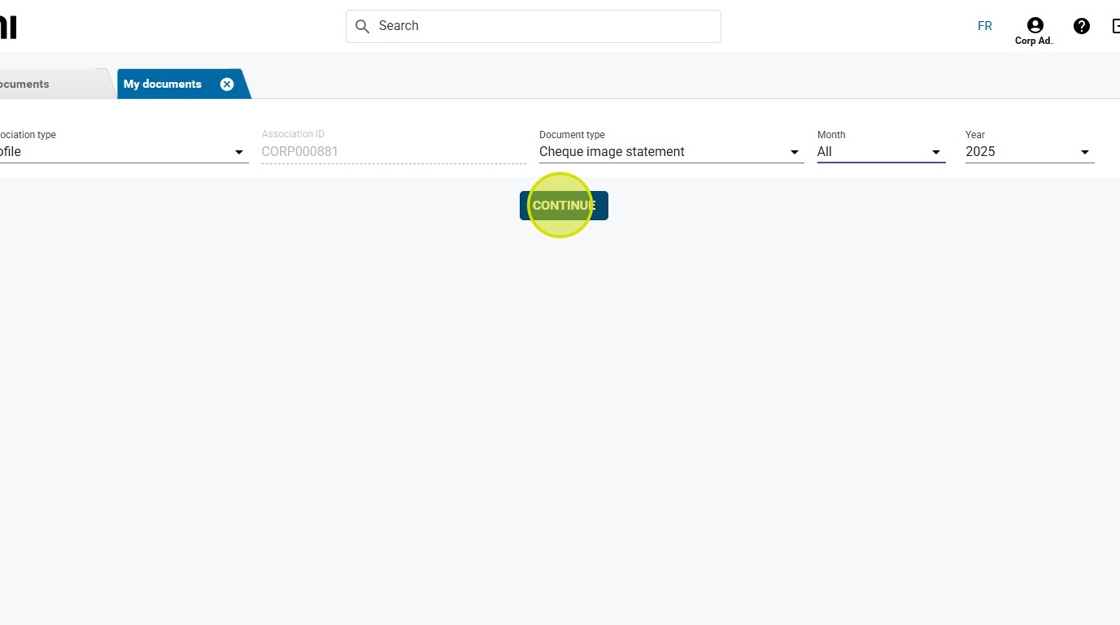
4. In the Association type section, select Profile.

5. In the Document type section, select Cheque image statement.

6. Select the preferred period.

7. Click on CONTINUE.
8. Move your cursor over the preferred document and click on VIEW PDF. It will appear in your downloaded files on your device, and you will be able to print it then.
Here are the steps to activate My Profile online:
Receive important dates, actions to be taken, deadlines, reminders and more by e-mail.
.svg)
